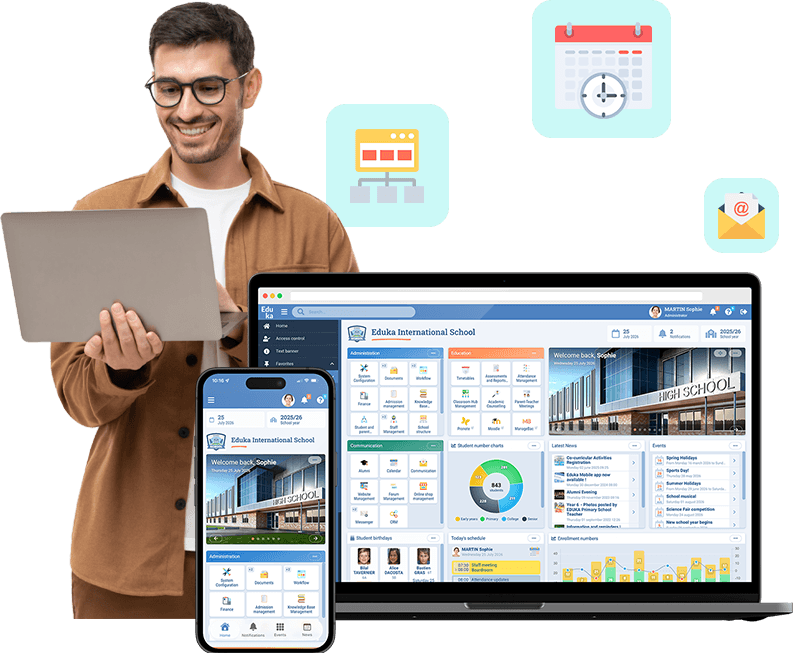




















Your staff, families and students sign in to Eduka with the Microsoft or Google account they already use, with no extra password.
Why connect Eduka to your identity provider?
Many schools already manage their accounts in Microsoft Entra ID or Google Workspace. OpenID Connect is the standard that lets Eduka rely on those accounts. Everyone keeps a single login, the school has no extra passwords to manage, and your provider’s security rules, such as two-factor authentication, still apply.
How does the integration work?
You enter your identity provider in Eduka, then choose how accounts are matched: by email address or by another identifier. Everyone then signs in to their existing Eduka account. A built-in test checks the configuration before you open sign-in to everyone. The login page then shows your provider’s button, or sends users straight to it if you prefer.
What the integration handles
- Works with Microsoft Entra ID, Google Workspace and any OpenID Connect provider
- For staff, families and students
- Account matching by email or by the identifier of your choice
- Configuration test before rollout to everyone
- Two-factor authentication and access rules handled by your provider
- Classic login always available as a fallback
- Users land on the page they asked for after signing in
Sign-in with OpenID Connect is available as an option in Eduka, alongside the CAS integration many schools already use.