










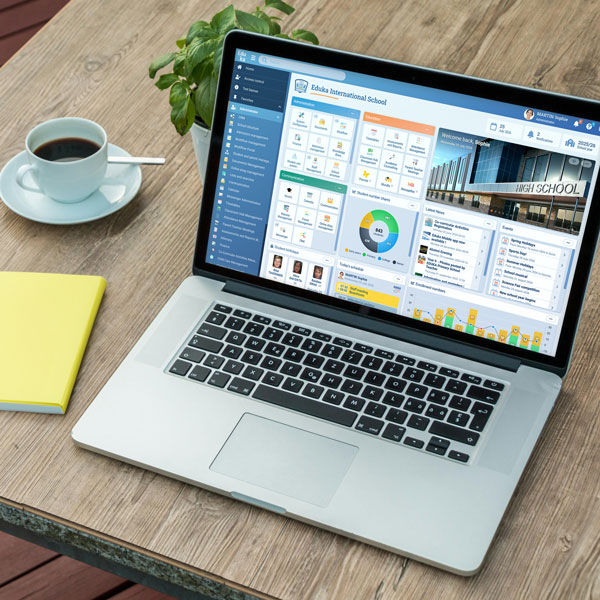










Each year, Eduka prepares an Excel file of the meals and snacks your students have had, ready to import into Navision for billing.
Why connect Eduka and Navision?
Students’ meals and snacks are tracked in Eduka. Without an export, the school has to copy them into Navision by hand to bill them. The export gathers them student by student, in a file that is ready to use.
How does the integration work?
You choose the school year and the service, then check the totals on screen before downloading the file. Eduka takes the number of weeks in each period into account and flags any subscriptions it couldn’t include, such as a special rate, so nothing is missed.
What the integration handles
- Excel file ready to import into Navision
- One line per student: student and family codes, class, number and amount of meals and snacks
- Totals preview before download
- Alerts for subscriptions that weren’t included
- Option to include cancelled, waitlisted or stopped subscriptions
- A summary tab with the settings used for each export
The Navision export draws on Eduka’s service subscriptions, including school catering.


 Serbia
 Malaysia
 France