
































Parents and guardians
👨👩👧Family and Class Life
- Choose the family account when a parent has several
- Class Life for each student: overview, journal, calendar, assessments and reports, observations, absences and late arrivals, files, contact and timetable
- Choose which notifications to receive for each student
- Write to the teacher, view the student’s documents and download reports
Absences and late arrivals
- Report an absence, a late arrival, an exemption or an early departure, with dates, reason and a supporting document
- Edit or withdraw a report
Billing portal
- Overview, invoice and payment details
- Bank accounts for direct debit and refunds
- Printable transactions
- Financial aid requests
- Online payment
Meetings and school trips
- Parent-teacher meetings: book or cancel an appointment
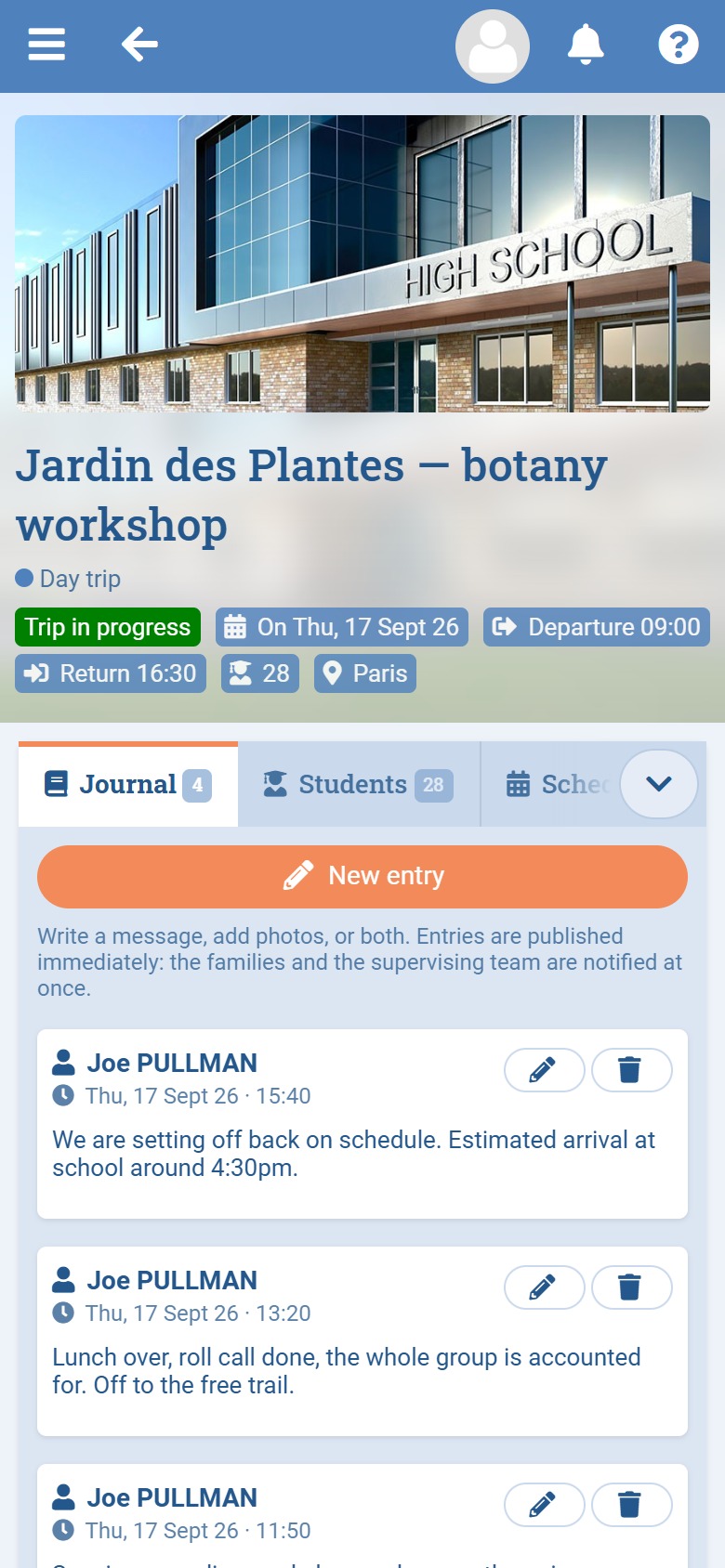
- School trips: respond to requests, view the trip journal and download documents
Messaging and documents
- Messaging: inbox, sent, drafts, trash and new message
- Documents: public files, signed documents and documents to sign
Admissions
- Enrolment, re-enrolment and withdrawal
More, depending on your school’s modules
- Calendar, Forum, Knowledge Base, Online Shop, School Transport, Extracurricular Activities, Requests, e-Learning, Guidance and eWallet
Your account
- Password and two-factor authentication
- Personal data download and data protection
Administrators and school leadership
🏫Configuration
- Users, icons, profiles, email and SMS accounts
- School, database and properties
- Data import, updates, logs and translation
User management
- “Log in as this user” to see exactly what a user sees
- An app login QR code for another account (permission required, action logged)
- View and remove a user’s mobile devices from their profile
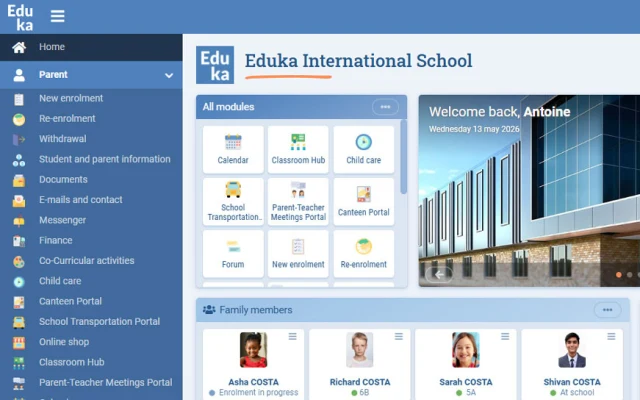
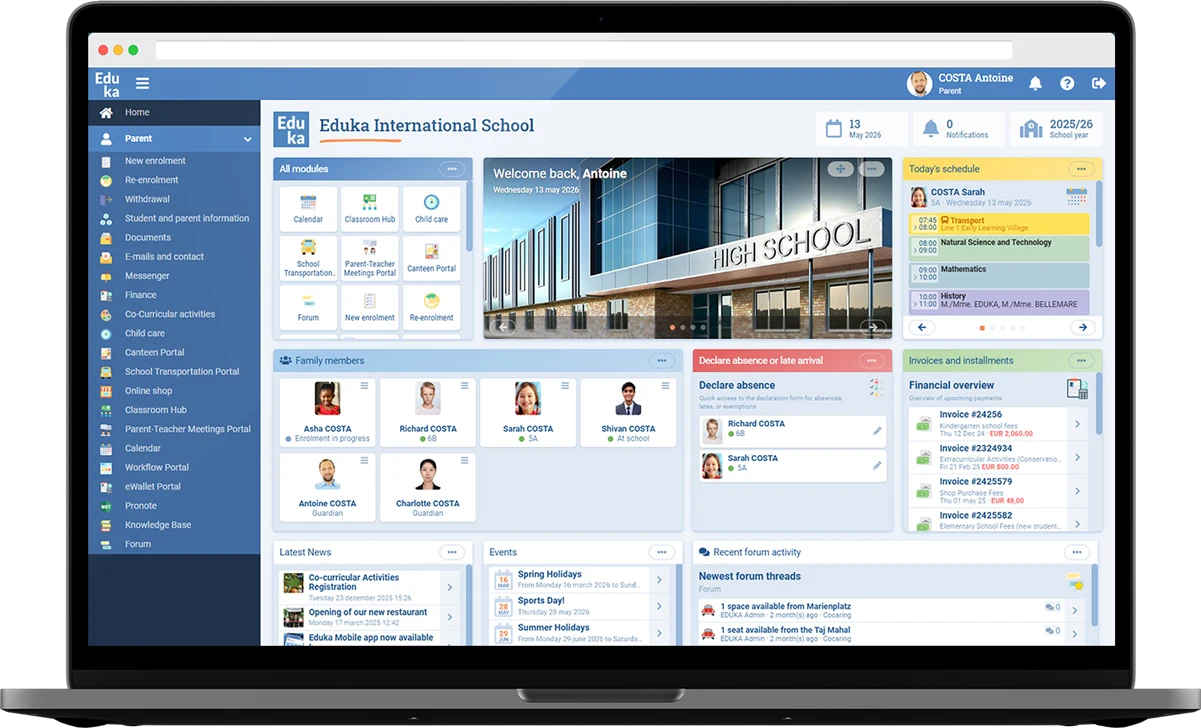
Customisable home page
- Free text, announcement board, news and discussion feed
- Today’s calendar, documents to sign and file sharing
- Organisation chart and navigation icons
All management modules
- Finance: invoices, payments received, reminders, accounting export and year-end closing
- School Structure, Documents, Admissions, Lists and Searches
- Single Sign-On, Website, Customer Relations, e-Learning and Guidance
App monitoring
- The Configuration dashboard shows how widely the Eduka mobile app is adopted
Teachers
🧑🏫Class Life teacher portal
- Select the course, class or group on a given date
- Students, Journal, Overview, Calendar, Files, Discussion, Infirmary and Timetable tabs
Class journal
- Post information, an event, an announcement, photos, a project, homework or course content
- Text, photos, video and files
- Pinning, search and gallery
Students and attendance
- Student list, guardian list, photo directory and email to guardians
- Attendance sheet for the morning or afternoon: Present, Absent, Late and Exempt, or “all present” / “all absent” in one go
- Report a student leaving for the infirmary
Assessments and reports
- Enter assessments, observations, reports and comments
- AI writing assistance, if your school has enabled it
- Report card preview
School trips and meetings
- Create a trip and follow ongoing trips, drafts and past trips
- Handle trip tasks: approve, reject, send back or complete
- Parent meetings: manage your time slots and assign students to them
Also
- Timetable, Messaging, Calendar, Requests and Personal Space
School staff
🗂️Student life
- Dashboard, attendance sheets and family reports
- Absences, missed classes, late arrivals and exemptions
Infirmary
- New visit, students and history
- Record an early departure on behalf of a family
Student and Parent Information
- Lists of students, guardians, families and other contacts
- Recent changes, change alerts, reminders and data editor
Class Life
- Monitoring of journals, files, discussions and teachers
Staff
- Staff list, teachers, administrative staff and contractors
- Organisation chart and statuses
Communication
- Emails, SMS, notifications, news and calendar
- Templates and signatures
Other modules, depending on your permissions
- Messaging, Meetings, Timetables, Documents, Lists, Admissions, Finance, Transport, Trips, Extracurricular Activities, Guidance, Council, Customer Relations, Requests, Forum, Knowledge Base and Shop
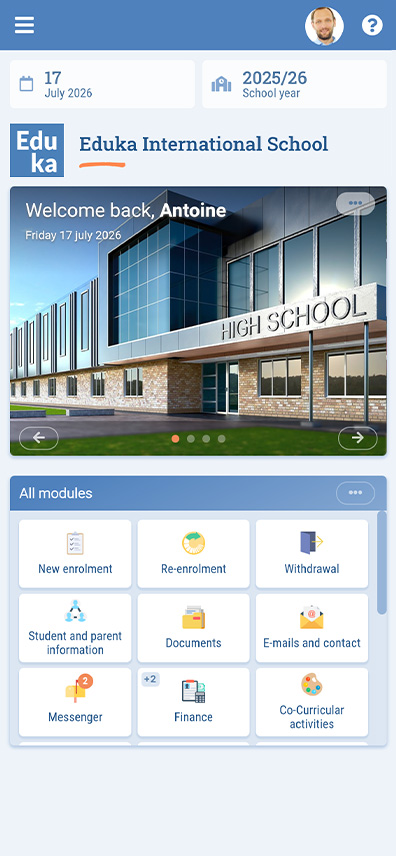
Your home screen
- Staff-only widgets: staff and student birthdays, student arrivals and departures, enrolment charts
- The Eduka Community tile
- Favourites in the menu
For everyone: made for mobile
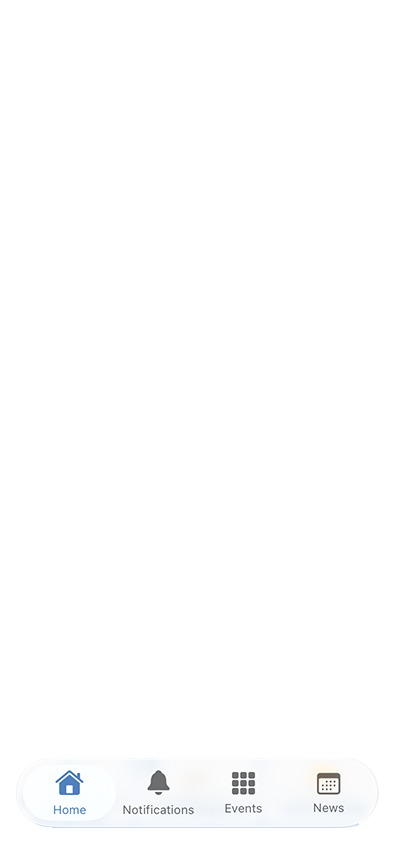
📱Native tabs
- Home, News, Calendar and Notifications
QR code login
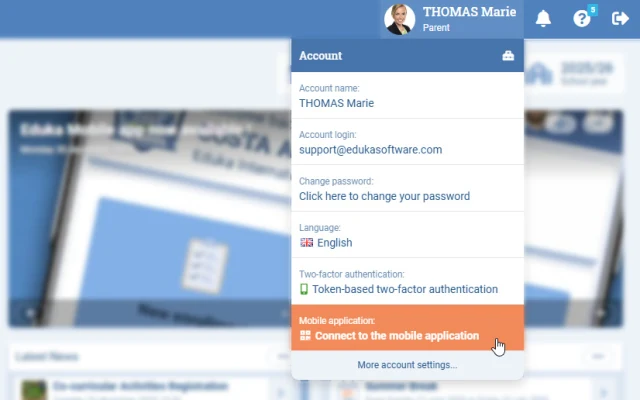
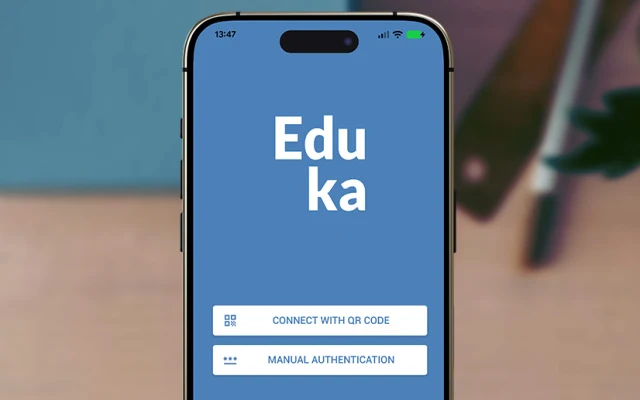
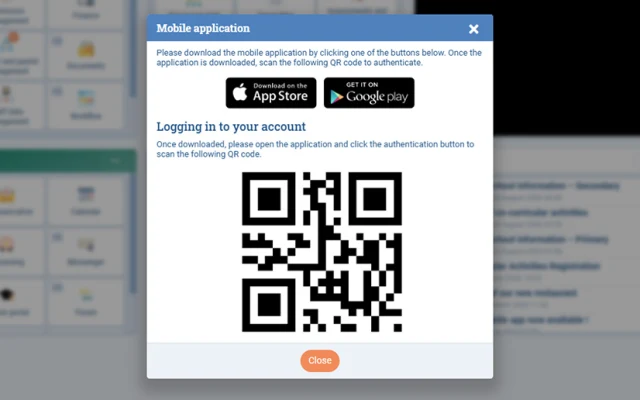
- Log in by scanning a QR code, from “Connect to the Mobile application” in the user menu
- Family accounts log in with the QR code only, for added security
Push notifications
- Invoices, messages, assessment results, observations, absences, trips, meetings, forum, documents to sign, admissions and more
Notification centre
- Notifications and Archive tabs, with “Clear all”
- A badge count on the app icon
Your devices
- An email lets you know each time a new mobile device is linked to your account
- Remove a device at any time: the app on it is logged out
Mobile-friendly
- Pull to refresh
- Documents and invoices open in their own viewer