
















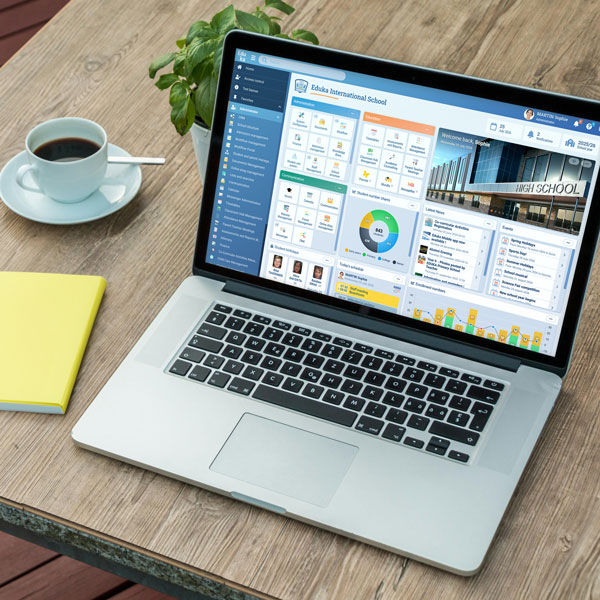










Close the boleto loop. Import the return file from Santander or Itaú, and Eduka allocates each paid boleto to the right invoices.
Why import your CNAB return files?
In Brazil, banks report paid boletos in CNAB-format files, a standard set by Febraban, the Brazilian Federation of Banks. Eduka already generates your school’s boletos, with Pix payment for Itaú. Importing the return file completes the cycle: bank reconciliation, once done by hand, becomes almost automatic.
How does the integration work?
You import the bank’s return file: CNAB 240 for Santander, CNAB 400 for Itaú. Before anything is recorded, Eduka shows a line-by-line preview with the result for each boleto. You confirm, and the payments are recorded against the right invoices. Late interest and penalties are booked separately, and a boleto whose paid amount doesn’t match the amount issued is set aside and flagged.
What the integration handles
- Import of CNAB 240 (Santander) and CNAB 400 (Itaú) return files
- Line-by-line preview before anything is recorded
- Each paid boleto allocated to the right invoices
- Late interest and penalties recorded as separate fees
- Boletos with a mismatched amount set aside and flagged
- Each boleto’s status visible in Eduka and in the parent portal
The CNAB integration is part of Eduka’s Finance module, which covers the school’s full billing cycle: fee schedules, invoices, payments, reminders and accounting exports.

 Brazil

 Sweden

 Lebanon
 Norway