









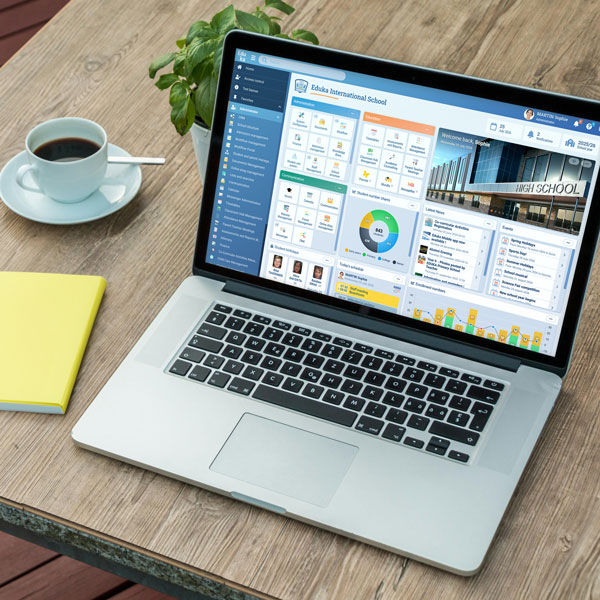










Eduka exports your school’s billing to a file ready to import into the Swiss edition of Sage 50, with a list of payers for creating customer accounts.
Why connect Eduka and Sage 50?
Without an export, the accounting team re-enters into Sage 50 the invoices and credit notes already issued in Eduka. The export turns them into entries ready to import, in the format the Swiss edition expects, and removes re-keying errors.
How does the integration work?
You choose the period, then download the file. Every invoice and credit note appears with the payer’s account and a breakdown by revenue account. A dedicated tab lists the payers not yet in Sage 50, so their customer accounts can be created. Once archived, an export is not repeated in the next one, so nothing is posted twice. The export can also be retrieved through the Eduka API.
What the integration handles
- Invoices and credit notes in the Sage 50 Swiss edition format
- A tab of new payers, for creating customer accounts
- Any date range, with an archive of past exports
- No entry exported twice
- Text, CSV or Excel file, as you prefer
- Manual export or through the Eduka API
The Sage 50 export is part of Eduka’s Finance module, alongside the exports to Sage 100 and Sage X3.

 Switzerland

 Serbia

 Malaysia
 France


 Slovenia,
 Bulgaria,
 Belgium,
 Canada,
 Australia,
 Thailand