























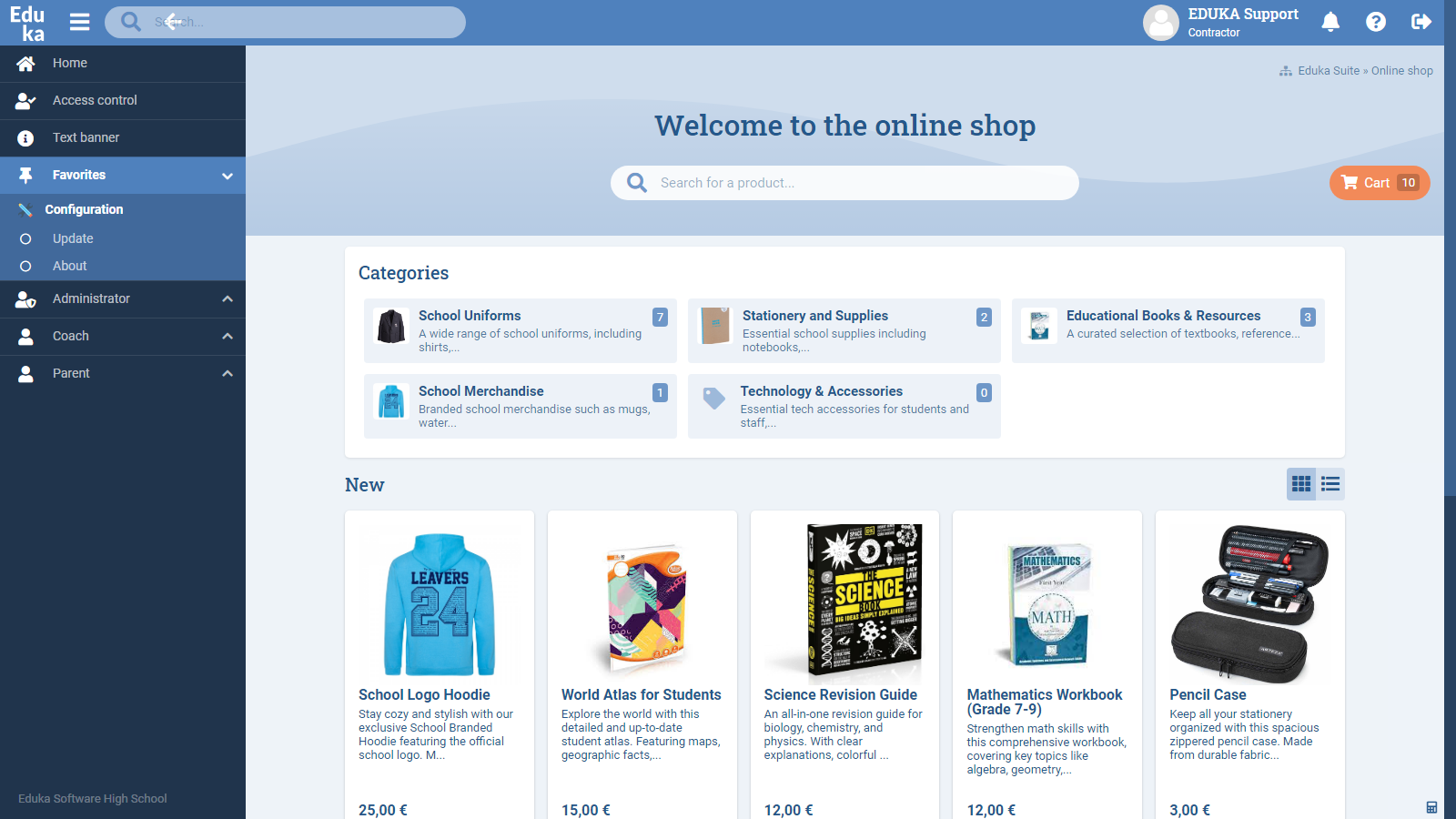
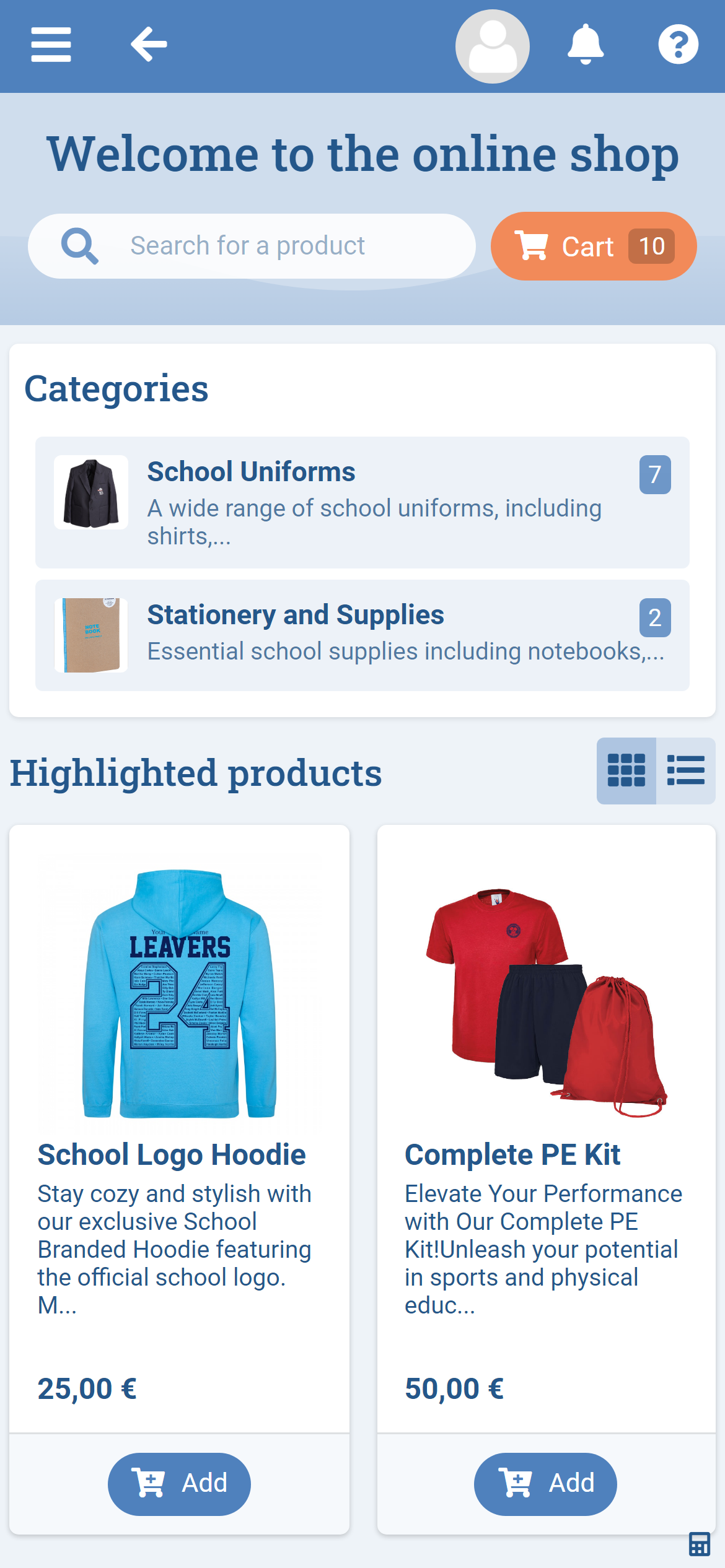









Simplify the management of your school’s online shop with Eduka's customizable solution.

CommunicationOptional module

Eduka’s online shop module offers schools a comprehensive solution to offer product for sale, with tools for categories, items, and images. This module integrates seamlessly with Eduka’s Finance module, streamlining order management and invoicing.

Key benefits:

  • Full administrative control with management of product categories, items, and images and more.
  • Integration with the Finance module to simplify invoicing and payment processing.
  • Customization for different periods of the school year, adapting to the specific needs of your institution.

Features:

  • Product and category management:
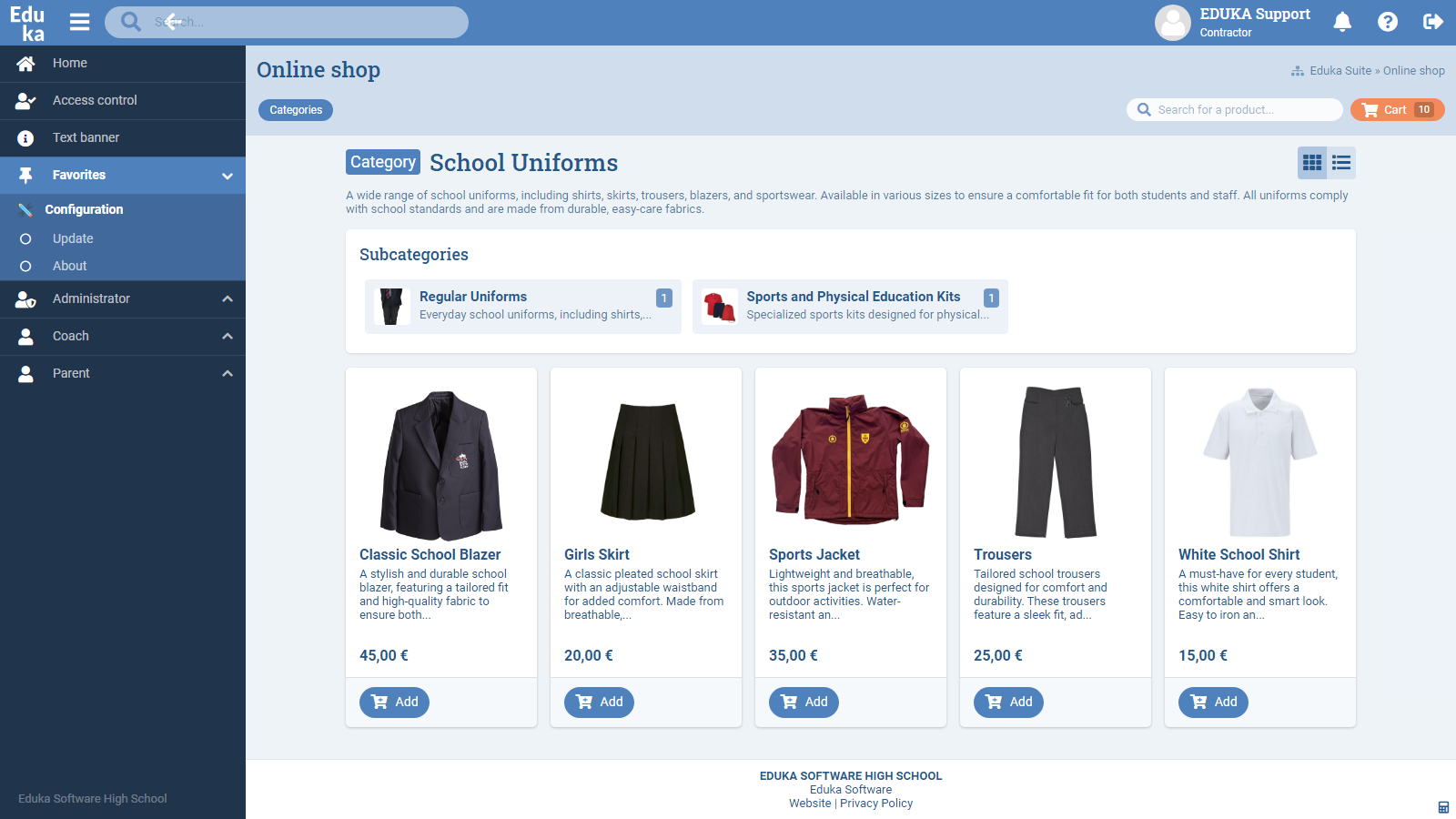
    • Easily create product categories and quickly modify product details, including images, through the intuitive admin panel. Examples of categories:
      • School uniforms: Complete management of available sizes and quantities to simplify purchases at the beginning of the year.
      • Yearbook: Allow orders at the end of the school year, allowing each family to keep a memento.
      • Textbooks: Purchasing of textbooks offered for individual classes, with stock tracking options.
  • Order and invoicing process:
    • Collect and manually validate orders before they are invoiced through the Finance module.
    • Track all stages of the order to visualize progress and status.
    • Flexibility in managing different types of products, with differentiated fees.
  • Customization and flexibility:
    • The store can be configured for different usage periods, events, and seasons.

Eduka’s online store module provides an efficient and customizable solution, allowing schools to manage their online sales with full control over products and smooth financial integration.

Works well with:

The Online Shop module works well with these other modules in the Eduka school management software:

Module screenshots

Features & functionality

Administration

🔧

Catalog setup

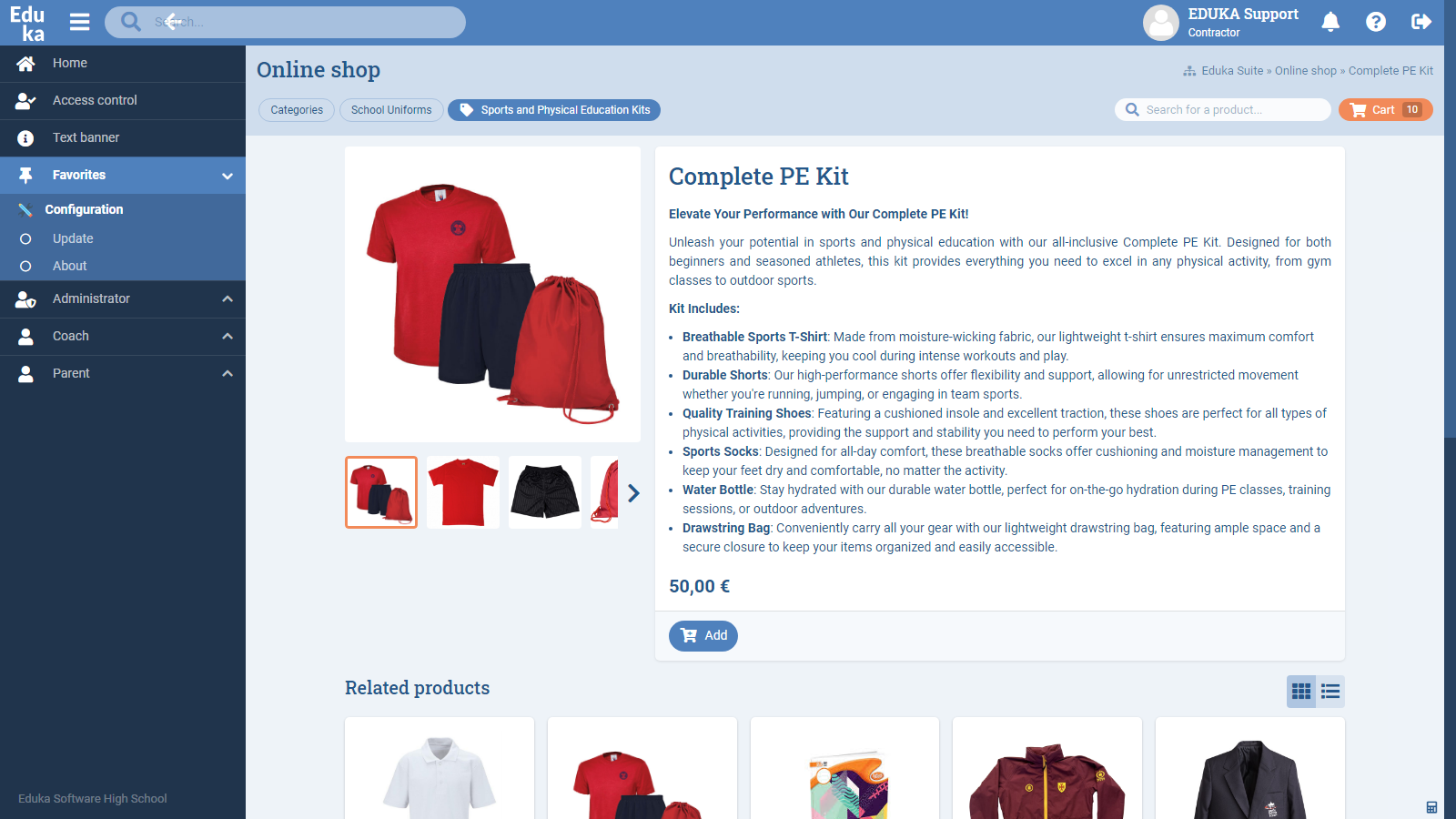
  • Create product categories and subcategories
  • Add text descriptions and images for categories
  • Access restrictions by school scope (site, level, section)
  • Product reference with fields including:
    • Product name
    • Category
    • Price
    • Formatted description
    • Product images (including thumbnail)
    • Activation status (shown or hidden in portal)
    • Highlighting of a featured product

Order tracking and management

  • Dashboard with summary view of orders:
    • Pending validation
    • Pending invoicing
    • Pending payment
    • Paid
    • Completed (manual)
    • Cancelled (manual)
    • Refunded (manual)
  • Manual status update for one or multiple orders
  • Summary report generation on orders (filters by date/status)
  • Automatic email notifications sent to:
    • Admin who changed the status
    • Customer who placed the order
  • Integration with Finance module
  • Creation of a store fee (single fee for all products) configurable as:
    • Responsible / Staff type
    • For a single period
  • Associated with a dedicated invoice template

Invoicing of pending orders:

  • Individual or grouped invoicing
  • Preview invoices before finalizing
  • Validate or cancel invoice creation
  • Send invoices by email
  • Send notifications
  • Access invoice history:
    • From the family record
    • From the Parents portal
    • From the Store module

Payments & Refunds

  • Manual entry of a payment:
    • Select bank and payment type
    • Select Store fee
    • Allocation and final validation
    • Receipt visible in family record and Payer portal
  • Online payment via Payer portal
    • Automatic update of order status to “Paid”
  • Credit note creation:
    • From the invoice
    • Option to cancel the order in the Store module with status “Canceled”
  • Advanced stock management with a complete, real-time inventory system
  • Quick order search and status update feature to save time

Parents

👥
  • Portal access controlled by profile settings
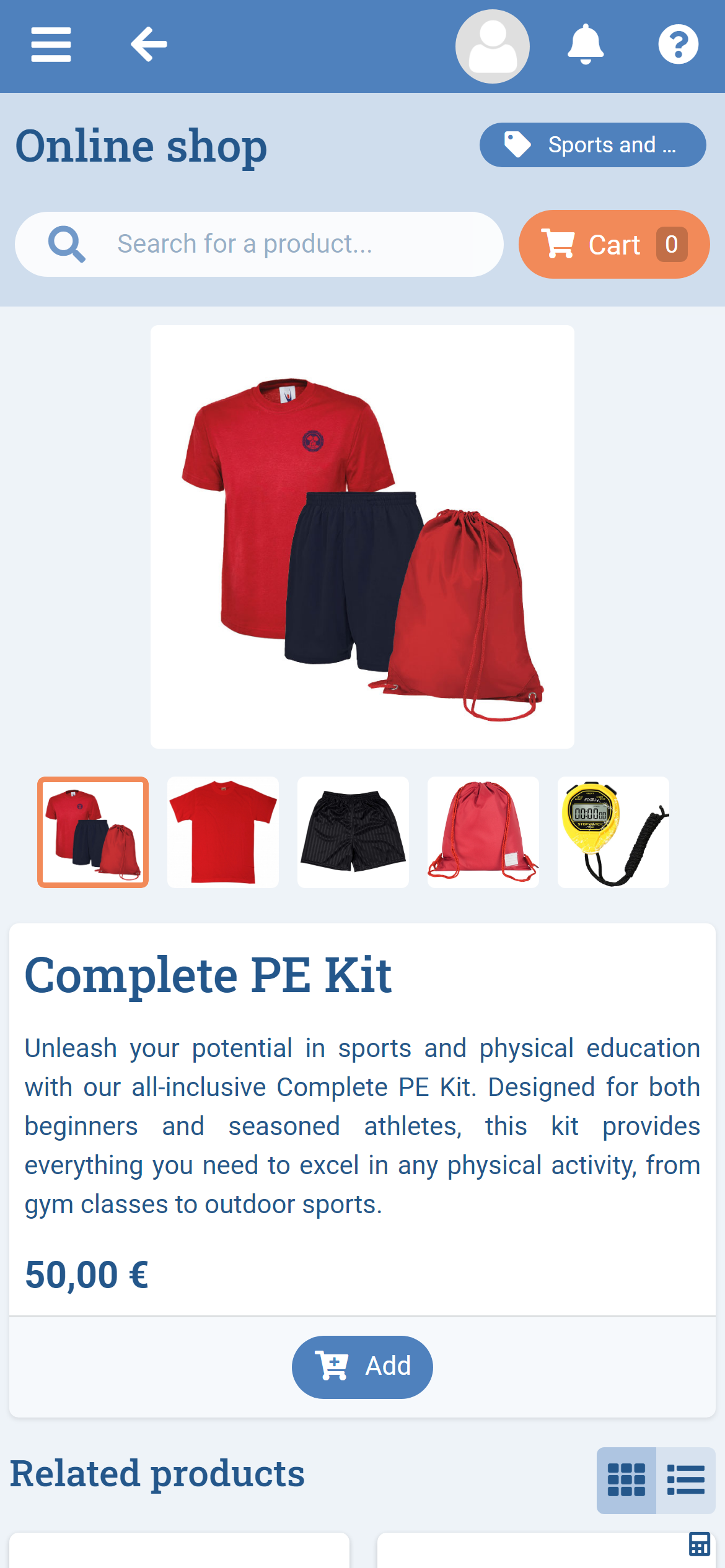
  • Navigation through categories/subcategories or free search
  • Shopping cart management (add, edit, remove items)
  • Order confirmation by parents or staff
  • Display of confirmation message with order number
  • Order history and status tracking

Online Shop integrations

Eduka's Online Shop module connects with the payment gateways your school already uses — Stripe, PayPal, Lyra and more — so data flows between systems without re-keying.

Stripe logo

Eduka connects natively to Stripe so families can pay their...

International
PayPal logo

Eduka connects natively to PayPal so families can settle school...

International
Lyra logo

Eduka connects to Lyra (Lyra Collect) so families can pay...

France flagFrance
PayZen logo

Eduka connects to PayZen, the payment platform from Lyra, so...

France flagFrance